
Adobe Illustrator CC 2014,
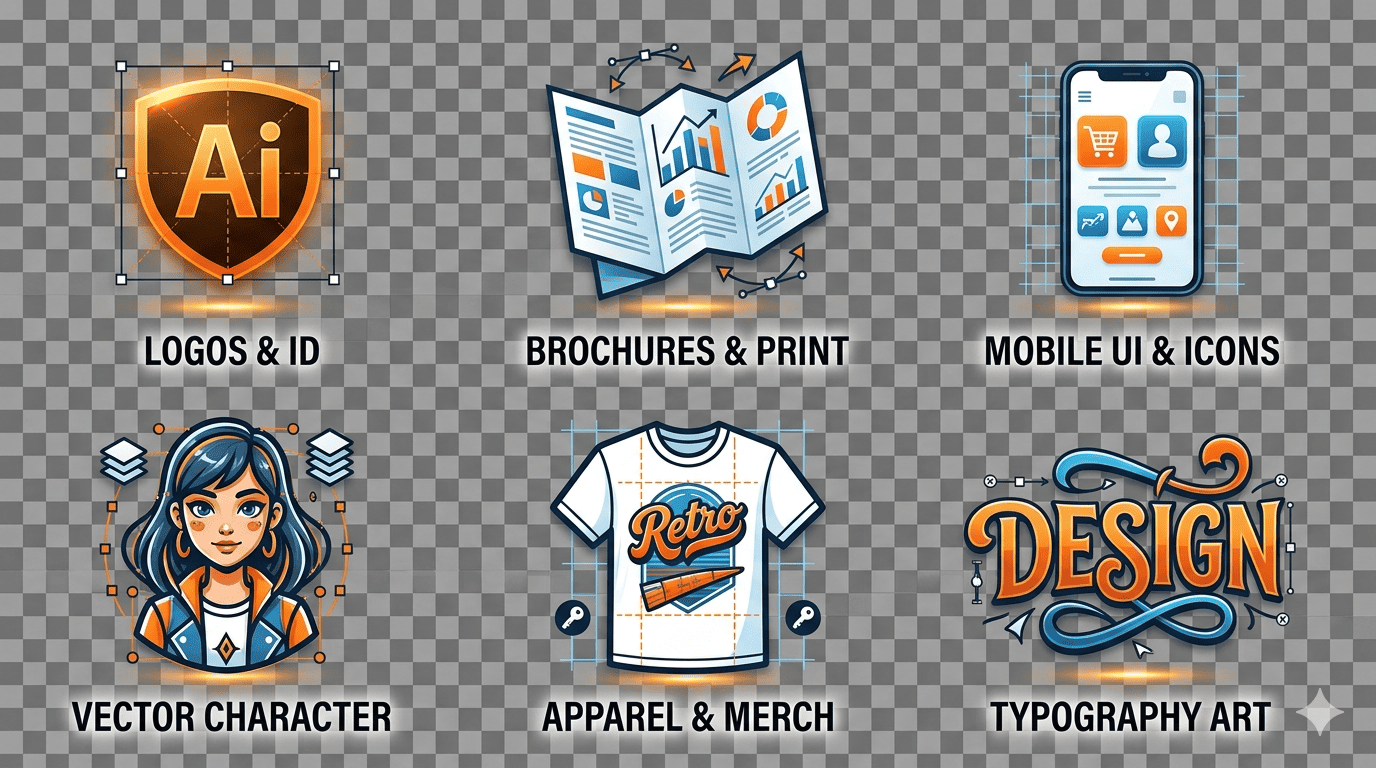
Adobe Illustrator CC 2014, the gold standard vector graphics software relied on by millions of digital artists, graphic designers, and web developers worldwide. Whether you are designing pixel-perfect icons for mobile apps, striking logos for global brands, complex book illustrations, or large-scale digital billboards, Illustrator CC 2014 provides the exact precision and speed you need.
Engineered with the powerful Adobe Mercury Performance System, this release allows you to work smoothly and natively on large, complex vector files without lagging. It is the perfect standalone balance of legacy stability and modern Creative Cloud functionality.
Key Features & Workflow Improvements
Rebuilt Pencil Tool and Pen Previews
The core drawing tools received a massive overhaul in the 2014 edition. The completely rewritten Pencil tool offers a highly precise, mathematically sound algorithm to trace smooth curves, calculate paths automatically, and draw straight lines seamlessly. Additionally, the new Pen Tool Preview draws the vector path between your previous anchor point and your cursor before you click, significantly flattening the vector learning curve for beginners.
Non-Destructive Live Shapes
No more manual calculations just to adjust the geometry of a box. The introduction of Live Shapes means every rectangle and rounded rectangle can be altered dynamically. You can scale, rotate, and warp shapes while maintaining independent control over individual corner radiuses directly from the canvas or the Transform panel.
Advanced Typographic Control via Touch Type
Typography is no longer static. The specialized Touch Type Tool allows you to click on individual letters within a live, editable text block to move, scale, flip, and rotate them independently. The text retains its font data and alignment formatting, giving you unparalleled custom layout control without converting your text into permanent vector paths prematurely.
Scalable and Responsive SVG Export
Perfect for UI/UX and web developers. Export clean, scalable, and lightweight SVG code directly from your workspace. The code automatically adapts to modern retina displays, varying viewports, and responsive layout screens without degrading image quality or blowing up file sizes.
Summary Table
| Specification | Details |
| Software Version | Adobe Illustrator CC (2014 Build) |
| License Type | Pre-activated / Retail Version (Check Store Policy) |
| Delivery Method | Instant Digital Download Link |
| Core Architecture | Native 64-bit support via Mercury Engine |
| Primary File Formats | AI, EPS, SVG, PDF, High-Res Raster (PNG, JPEG) |
Why choose the 2014 edition? Modern versions of software require heavy background subscription processes, internet always-on mandates, and staggering monthly subscription fees. Illustrator CC 2014 provides an incredibly stable, lightning-fast workstation baseline that operates flawlessly on mid-range hardware without bloating your machine’s memory.
System Requirements
Ensure your computer matches or exceeds these requirements for a flawless digital deployment:
Windows
Operating System: Windows 7 (SP1), Windows 8, Windows 8.1, or Windows 10/11 (64-bit recommended)
Processor: Intel Pentium 4 or AMD Athlon 64 processor
RAM: 2 GB of RAM (8 GB recommended)
Hard Disk Space: 2 GB of available hard-disk space for installation
Monitor Resolution: 1024 x 768 display (1280 x 800 recommended)
macOS
Operating System: Mac OS X v10.7, v10.8, v10.9, or higher (Note to buyer: Check compatibility if using modern Apple Silicon M1/M2/M3 chips, as legacy emulation may be required)
Processor: Multicore Intel processor with 64-bit support
RAM: 2 GB of RAM (8 GB recommended)
Hard Disk Space: 2 GB of available hard-disk space for installation
Monitor Resolution: 1024 x 768 display (1280 x 800 recommended)
Instant Digital Delivery Details
Purchase securely and skip the wait times! Once your payment is cleared through our checkout system, you will receive an automatic confirmation email containing your direct, secure high-speed download link. Inside, you will find your pre-packaged installation archive along with a step-by-step text readme to get your digital workspace up and running in under 10 minutes.

Reviews
There are no reviews yet.